How to make memes in 3 steps
Making a meme is no mystery: pick the right image, write little, and send it before the conversation moves on. This guide takes under a minute and needs no signup or install.
Step 1 — Pick a template
The template is the base image — the one everyone already recognises. Pick it by the feeling you want to convey rather than the photo itself: half the joke lives in using a format people already know how to read.
Step 2 — Write the text
Click a box and type. Short text works better: people read it mid-conversation, not sitting down to study. You can move, rotate and change font, size and outline if you need room.
Step 3 — Download or share
Hit generate and the image comes out with the text baked into the pixels. Download it or copy the link — whoever opens it sees the meme without needing an account.
Start with one of these
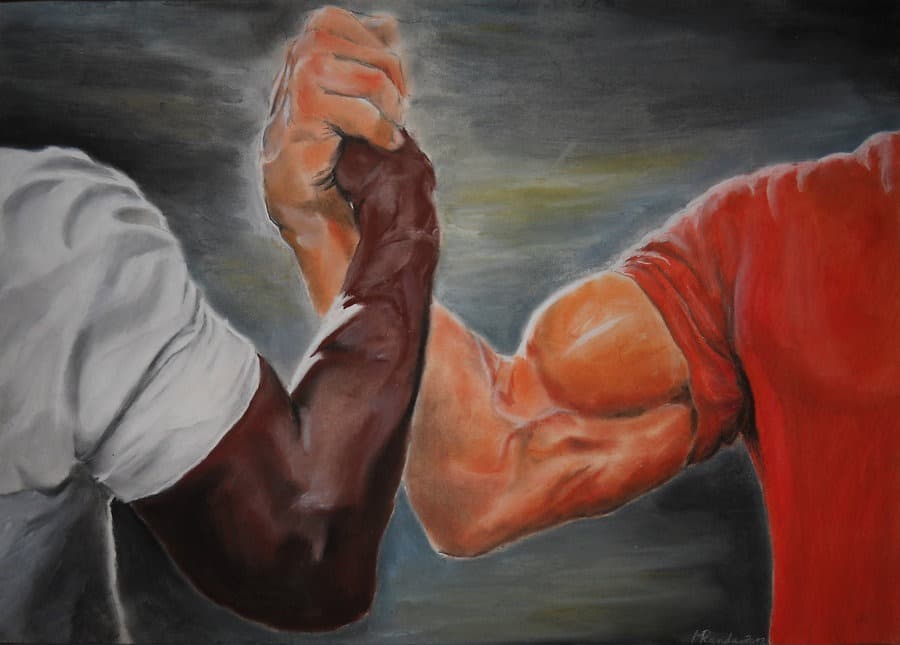
Epic Handshake
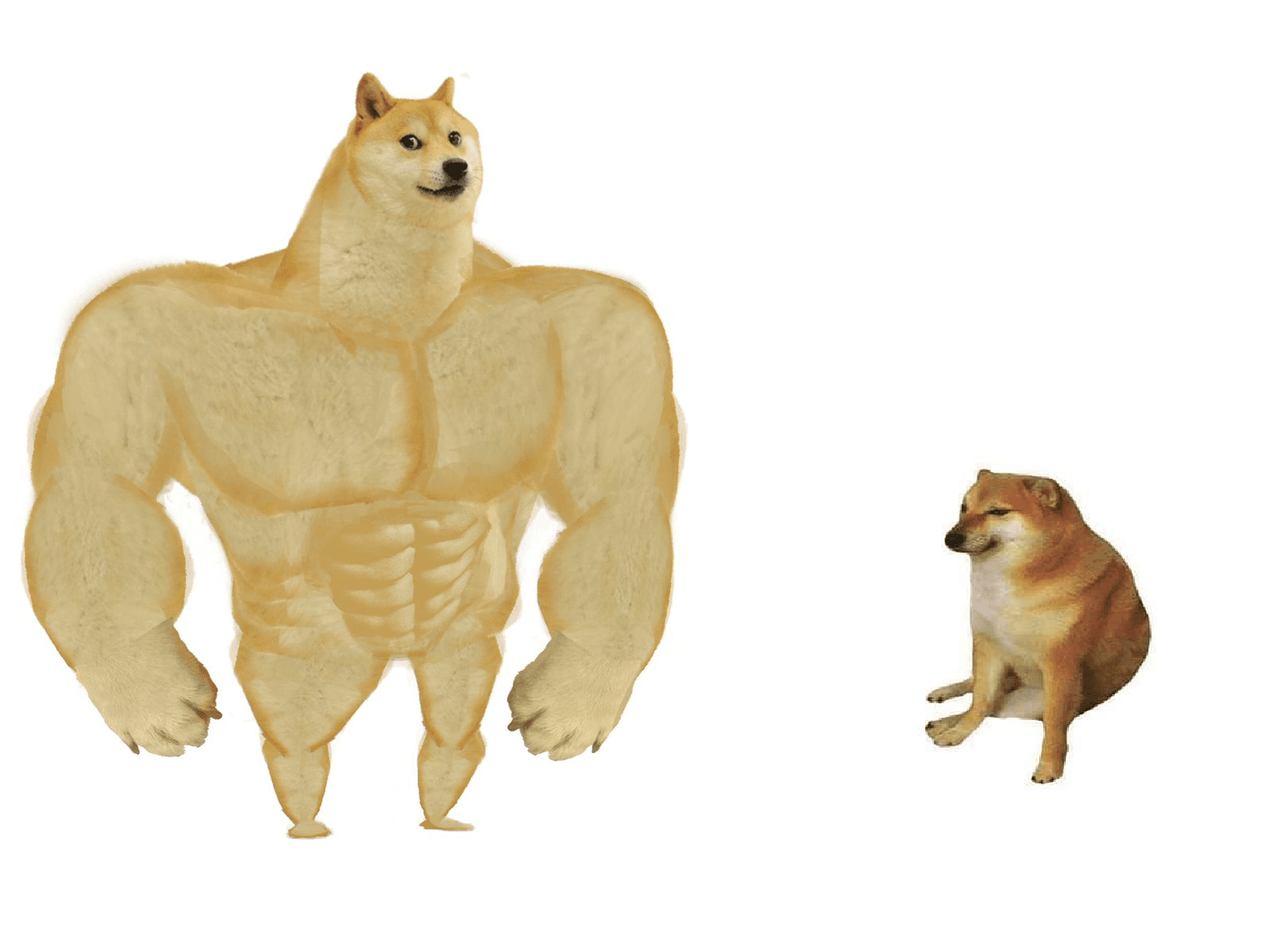
Big dog small dog
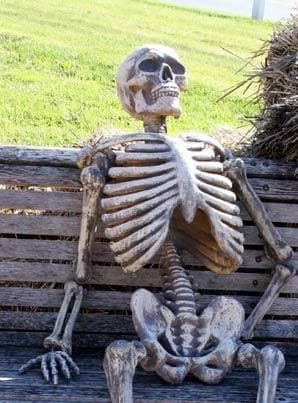
Waiting Skeleton
Common questions
- Do I need an account?
- No. You can create and download without signing up. An account keeps your memes and shows how many people opened your link.
- Can I use my own image?
- Yes. There is a “use my own image” option on the home page and inside the editor. What you upload stays yours and never enters the public catalog.
- Is my meme public?
- You choose. Public joins the gallery, unlisted only opens for whoever has the link, and private is visible to you alone for 24 hours.